Our Colours
View all colours
Get inspired by our colours
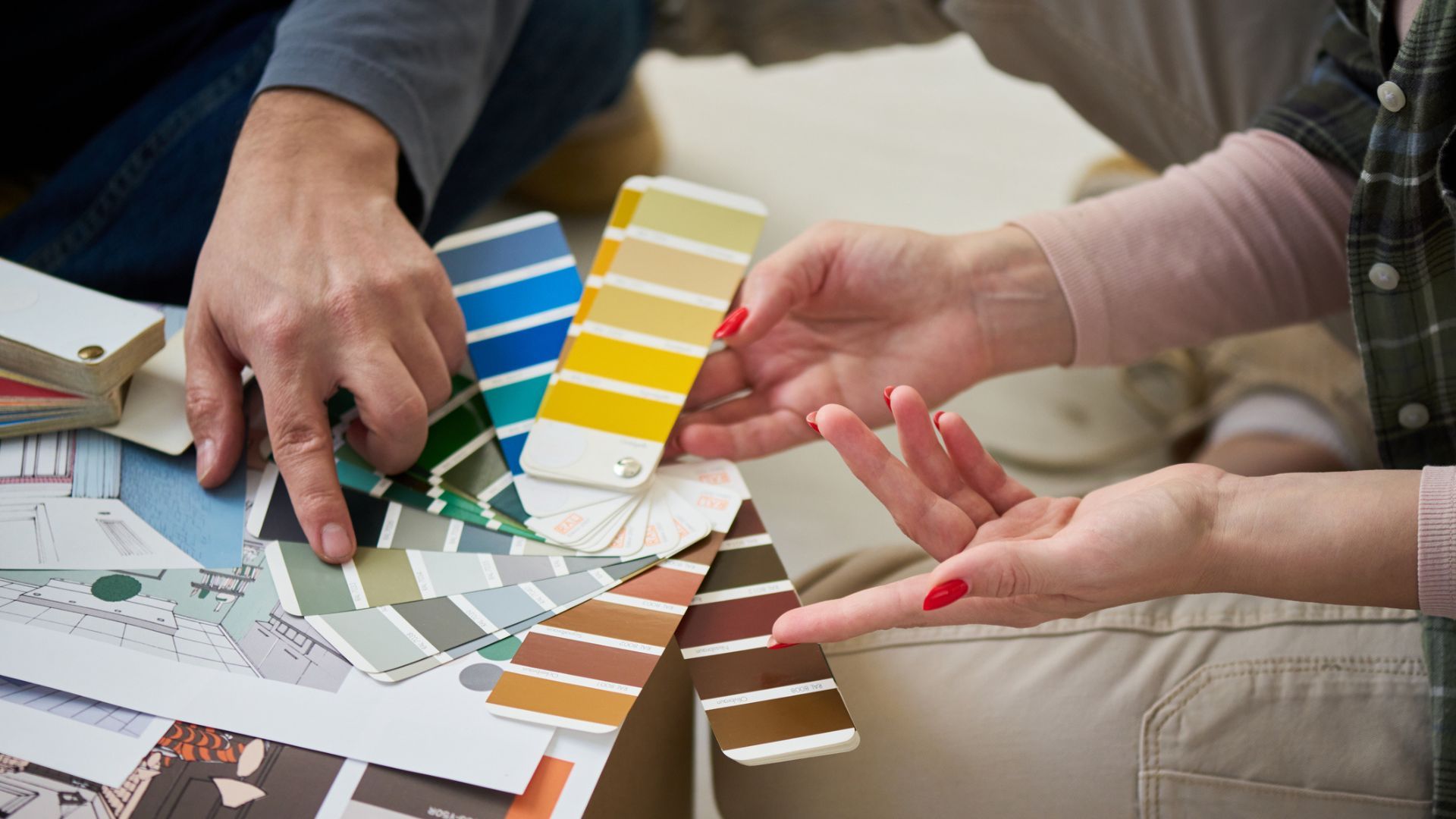
Now, with AI tools becoming more accessible, there’s a smarter way to explore colour before you commit. Used properly, AI can help you visualise, refine, and feel confident in your final choice.
Here’s how to use it in a way that actually works for real homes, real lighting, and real results.
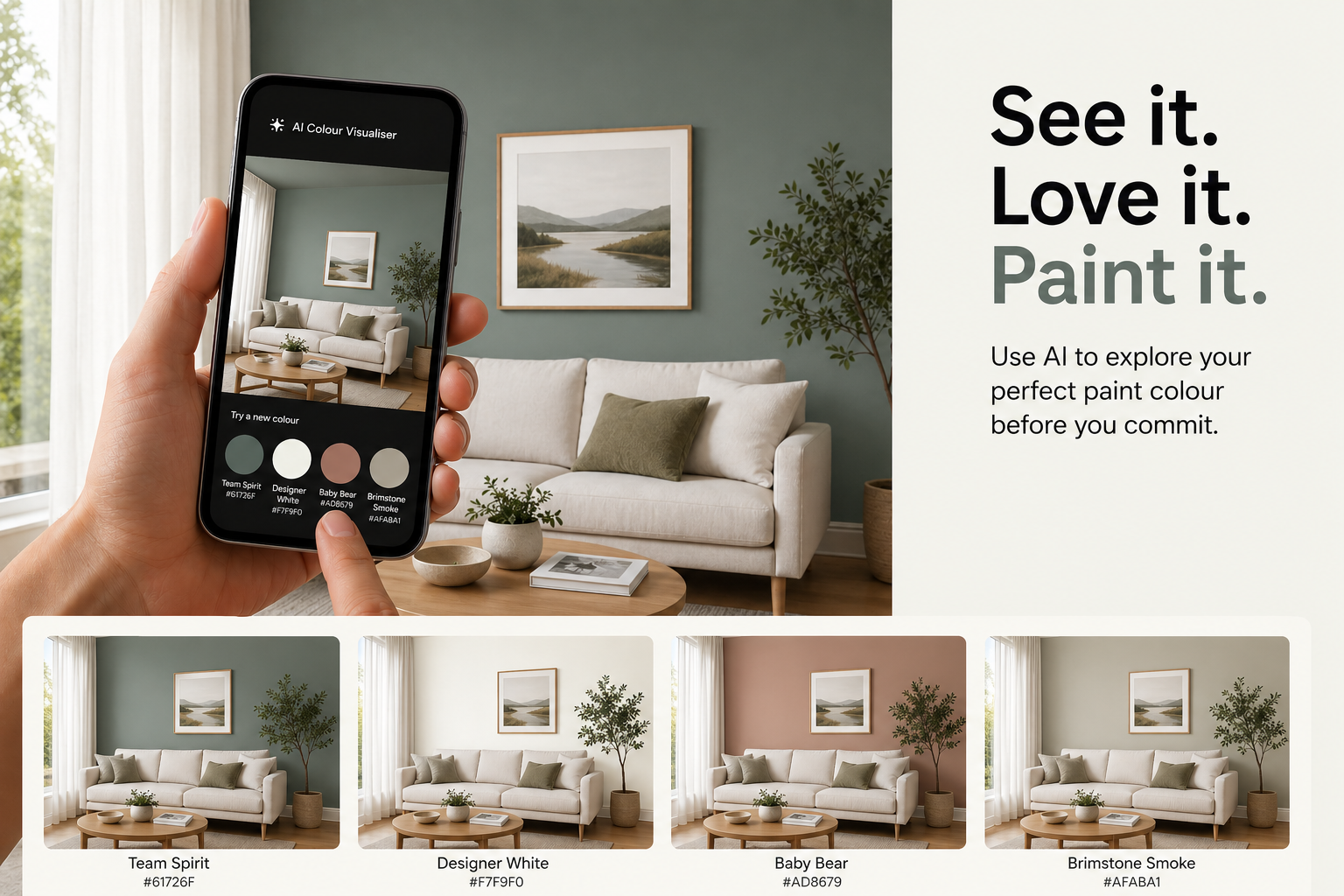
AI removes a lot of the guesswork. Instead of imagining how a colour might look, you can:
See your actual space with different colours applied
Test multiple options quickly
Explore combinations you might not have considered
Reduce the risk of choosing the wrong colour
It’s not about replacing your judgement. It’s about giving you a clearer starting point.
The quality of your result comes down to the image you use.
For best results:
Take your photo in natural daylight
Avoid harsh shadows or heavy artificial lighting
Keep the image straight and clear
Capture enough of the room or exterior to show context
This helps AI tools apply colour more accurately and realistically.
Most AI image tools allow you to upload a photo and request changes using a prompt. The key is being specific about what you want changed and what should stay the same.
Think of it like briefing a painter. The more detail you give, the better the result.
Copy and paste the below as a starting point when uploading your image into an AI tool:
Update this image by changing only the paint colour on the [surface – e.g. interior wall / front door / exterior weatherboards / render] to [insert PPG Paints colour name or HEX code from the colour page].
Keep all lighting, shadows, textures, and materials realistic and unchanged.
Ensure the finish reflects a real painted surface with appropriate sheen (e.g. matte for walls, semi gloss for doors).
Do not alter furniture, landscaping, sky, or surrounding elements.
Make the result look like a real photograph, not edited or artificial.
You can refine this further by adding:
• Time of day (soft daylight, overcast, warm afternoon light)
• Finish type (low sheen, semi gloss, gloss)
• Material (timber, render, brick)
AI is a powerful visualisation tool but it’s important to use it the right way.
Where it helps:
• Comparing colour options side by side
• Understanding how colour interacts with your space
• Narrowing down your shortlist
Where you still need real-world validation:
• Exact colour accuracy
• How the colour shifts throughout the day
• Texture and surface absorption
• Final finish and durability
That’s why AI should support your decision, not make it for you.
Once you’ve shortlisted colours using AI, the next step is to bring it into the real world.
Order a brush out or sample pot and test it on your surface. This lets you:
• See how the colour behaves in your lighting
• Check how it works with surrounding materials
• Confirm the finish and coverage
AI gets you close. Testing locks it in.
• Start with 2–3 colour options, not 10
• Use consistent lighting across your AI tests
• Try both lighter and darker variations of your preferred colour
• Look at the result on mobile and desktop to compare
Small adjustments can make a big difference.
AI is changing the way we approach colour selection. It gives you the ability to explore, test, and refine ideas before you even open a paint tin.
But the best results come from combining digital tools with real-world expertise. That’s where PPG Paints makes it easy.
Explore colour families, order brush outs, or sample pots and find the right finish for your project, all in one place.
Because choosing colour shouldn’t feel like guesswork. It should feel like a fresh start.